
How to Fix a Vintage Yamaha CDX-550 CD Player With a Dead Display
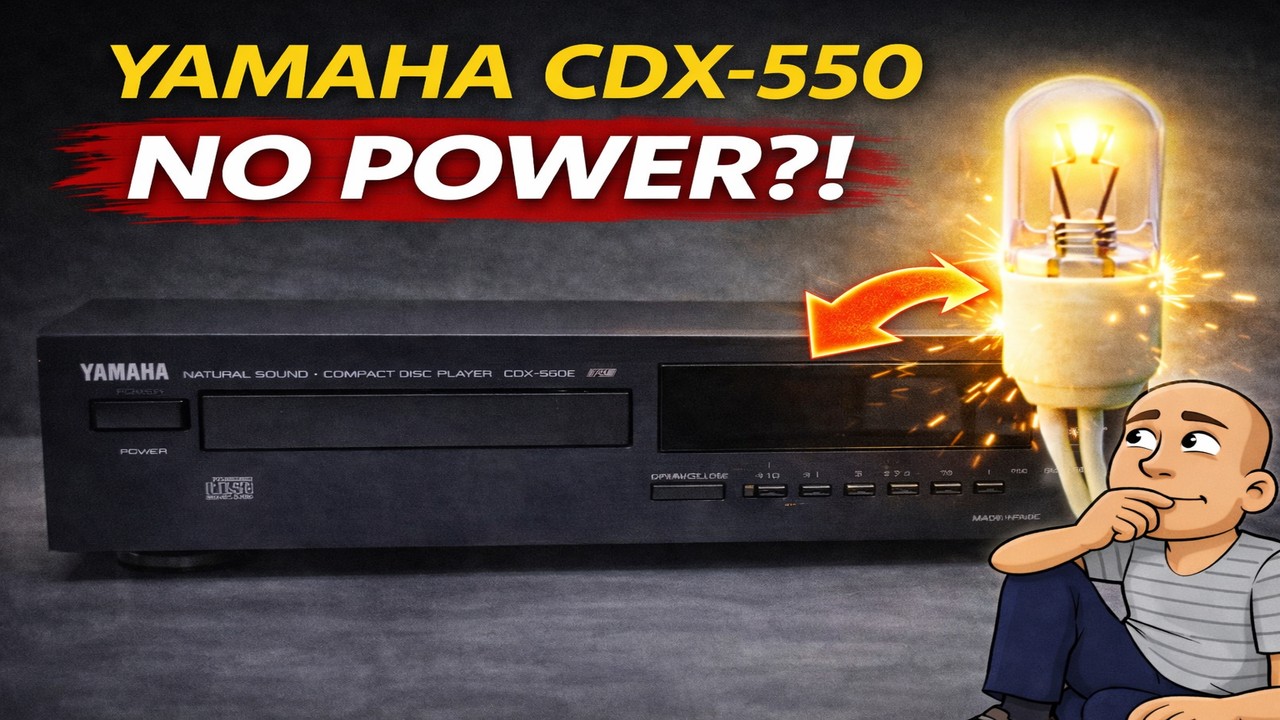
Is your old CD player from the 1990s not turning on? You might press the power button and hear a faint noise, but the screen stays completely dark. Before you decide it’s broken for good, the problem could be a simple fix. This guide will walk you through diagnosing and repairing a common issue in older electronics. We’ll use a vintage Yamaha CDX-550 player as an example. By the end, you’ll see how a single, burned-out part can bring a machine to a halt and how easy it is to bring it back to life.
Opening Up the Yamaha CDX-550
The first step is to safely open the device. Always make sure the player is unplugged from the wall before you start. The Yamaha CDX-550, built in the early 1990s, has a well-made metal case and an aluminum front panel.
To open it, you typically need to remove a few screws. This model has two screws on the sides and one screw on the back panel. Once these are out, the top case should lift off easily. Inside, you can see the quality of the components. The circuit boards have a distinct off-white color common to Yamaha gear from that era.
This player also has features you might not expect. It includes a motorized output volume control. This allows the volume to be adjusted by a remote control. The machine physically moves a part inside, rather than using a digital switch.
Diagnosing the Power Problem
After opening the case, you can begin testing. Plug the power cord back in carefully, keeping the electronics exposed. When you turn it on, listen closely. You might hear a small noise, like a motor spinning. In our example, the disc transport mechanism started moving, which was a good sign. It meant main power was reaching parts of the machine.
However, the display was blank. This is where the real detective work starts. Understanding what type of display the machine uses is key to finding the fault.
Identifying the Display Type
Most CD players from the 1980s and early 1990s used a fluorescent display. These displays light up with a blue-green glow. The Yamaha CDX-550, however, uses a different technology.
This model has a backlit LCD display. Think of it like an old digital watch face. The numbers are formed by liquid crystals, and a small bulb behind them provides the light. If that bulb burns out, you can’t see the numbers, even though the machine might be working.
Finding and Replacing the Faulty Bulb
The display assembly is usually held in place by a few screws or clips. In this player, two screws secured the display module. After removing them, the entire module can be taken out for closer inspection.
Sometimes, these parts are also held by small plastic clips or pop rivets. These are common in older tape decks and CD players. You can carefully pry them apart with a small tool.
Accessing and Testing the Bulb
Once the display module is free, you can access the back. The bulb is a small, wired component attached to the board. On this Yamaha, the bulb was clearly visible and looked burned out. The glass was dark, which is a clear sign of failure.
To be sure, you can test for voltage. Using a multimeter, you can check the two wires or pins leading to the bulb. This confirms that power is being sent to the bulb socket. A reading of a few volts is normal for these small lamps.
The key takeaway here is that no display doesn’t always mean no power. The machine’s main functions could be fine. The only broken part is the tiny light that lets you see the information.
Installing a New Bulb
You will need a replacement bulb of the same size and voltage. It is often called a “grain of wheat” bulb due to its small size. You can find these from electronics parts suppliers. Make sure the new bulb matches the old one as closely as possible.
Here is a simple process for replacing the bulb:
- Cut the wires to the old, burned-out bulb.
- Strip a small amount of insulation from the ends of the new bulb’s wires.
- Twist these wires together with the existing wires from the player.
- For safety and a clean fix, solder the connections and cover them with heat-shrink tubing. If you don’t have heat-shrink, electrical tape can be a temporary solution.
- Double-check that no bare wires are touching each other, as this could cause a short circuit.
Once the new bulb is connected, you can test it before reassembling everything. Gently place the display module back in its spot. Plug in the player and turn it on. You should now see a faint glow behind the display.
Reassembly and Final Testing
With the new bulb working, you can put the player back together. Follow these steps:
- Secure the display module back into the front panel using its screws or clips.
- Clean the display window and the front panel while you have access.
- Place the top case back onto the unit.
- Secure it with the side and rear screws.
Now, for the final test. Insert a music CD into the player. Turn the power on. You should see the display light up, showing track numbers and time. Press play. You should hear music from the audio outputs.
In our repair, the Yamaha CDX-550 went from seeming completely dead to working perfectly. It read discs and played audio clearly. The only problem was a single, burnt-out display bulb.
Conclusion: Why Vintage Electronics Are Worth Repairing
This repair shows how satisfying fixing old electronics can be. A machine from the 1990s, built with quality metal parts, was brought back to life with one small, inexpensive component. The entire problem was a failed backlight bulb, not a complex circuit board failure.
Many people throw away vintage gear when the display goes dark. They assume the whole unit has failed. As this guide proves, that is often not the case. With basic tools and a careful approach, you can save a piece of technology from the landfill.
Fixing items like this has several benefits:
- It saves money compared to buying a replacement.
- It keeps well-made, older equipment in use.
- It reduces electronic waste.
- It provides the satisfaction of solving a problem and learning a new skill.
The next time you find an old CD player, receiver, or cassette deck with a dark display, remember this guide. Don’t assume it’s broken. Open it up, look for a simple backlight bulb, and see if you can bring a piece of history back to life. You might be surprised by how simple the fix can be.